Messing Around in the Workshop

When I switched from sending my newsletter via my self-hosted website to Ghost, I needed a new URL. My website is, quite cleverly, my name (kristenhallgeisler.com), which meant that I needed to come up with something to call this newsletter. I love reading in a wingback chair, and I wanted this to be a place to try new things, so I thought of it as a workshop. Et voilà, Wingback Workshop.
I understand that in writing circles, a workshop is where you share pages with other writers and maybe an instructor to get feedback. Since I'm the only one writing here, it's not that kind of workshop. It's more of a solo tinkering type shop. But I do welcome your feedback if you have some.
In a writing workshop, those two paragraphs above would be called "throat clearing," the writing you do until you get to the thing you're actually trying to write. It's an important part of the writing process for a lot of people, but usually you delete that bit before anyone reads it. (This paragraph is throat clearing too.) I'm leaving it in for no good reason.
Here We Are at the Point
I would like to try new things here at the Wingback Workshop. Two things in particular:
- I would like to write about writing, which is meta and annoying but also helpful and community building, at least for writers, who are notorious loners, and maybe readers, who like to know how the book happened. I'm drafting a new novel, the contents of which I do not want to talk about at this stage. But I do want to share the word count and how it goes up and down and stalls and restarts and sometimes resets at zero. I'm also hunting for an agent for a nonfiction book about a medieval text, and if you're a writer who has pursued traditional publishing, this is a familiar gauntlet. Let's commiserate and celebrate the whole process, writers or no.
- I want to share what I read with you, which is way more than the monthly book roundups I send (though I will still do those because The StoryGraph makes such pretty graphics). I do not want to become a curation machine or an affiliate marketer. But I read articles from dozens of sources for an hour and a half every morning while I eat breakfast and drink coffee, and I always want to tell people about them. I share them on Mastodon, and they usually find their people there, but I bet people outside the Fediverse would be interested too. I read about music, and quantum physics, and most recently, raccoon news. There's more to the trash panda beat than you think.
These two things add up to more and shorter posts. I don't think I'm going to publish them as newsletters, because that would create an insane amount of nonsense in your inboxes. I'm willing to bet you have enough of that in your email.
Throwing the Internet Back to 2011 or So
In my ideal world, you would kick it old school and go back to using an RSS reader like you probably did in 2011 or something. I, a nerd, never stopped using an RSS reader.
Every newsletter powered by Ghost (or Wordpress, for that matter, and plenty of others) has a built-in RSS feed. You just plug it in to NewsBlur or Inoreader or whatever feed reader you like, and bam! Everything I post lands in your newsreader, not your email inbox. When you have time and inclination, you can hop over and skim the headlines then read whichever post interests you. Whatever doesn't catch your attention goes away as you scroll on by–unbothered. moisturized. happy. etc.
The other way to do it is equally old-school: bookmark the Wingback Workshop and check it when you're bored. I can almost guarantee that I will not post anything urgent or even terribly timely. Publishing moves slowly from start to finish, from creation to print. If there is something timely–like the in-person party for the full set of Mogador's memoirs being available in early 2026–I will push that to your inboxes.
I will still send the occasional newsletter, like this kind of stuff:
- Monthly reads
- Book reviews
- Long-form essays
- Notices when reviews and essays are published elsewhere
- News about publishing dates, book discounts, or, as mentioned, parties
RSS the KHG Way
If you are new to RSS feeds, or are returning after a long time away and forget how to set it all up, I'll share my system as a starter kit. There are a lot of choices out there, and they all have their fans. This is just how I do it.
- NewsBlur https://www.newsblur.com/ (there is an app) NewsBlur has been around for ages, and I think it's still run by one guy. It does not look fancy, but it works. To add a feed, you click on the plus sign in the bottom corner and paste in the URL you want to add. If there's an RSS feed, it will add it. You can create folders to keep similar subjects together, like one for Writing sites and one for Science sites and one for Politics sites. NewsBlur can do a lot of tricks, but these are the basics for getting started. Here's the link to add this site to your feed reader: http://wingbackworkshop.com/rss
- Instapaper https://www.instapaper.com/ (there is an app) I was a longtime religious Pocket user for saving articles to read later, but its parent company killed it. I was distraught ... for maybe less than a week? Instapaper stepped into the article-saving void for me almost immediately. You start by setting up an Instapaper account and adding its plug-in to your browser (Chrome, Firefox, what have you). Now there's a black I in a square white box in the menu bar. When you open a website from your RSS reader and realize that the article is too long to read right that second, click that little I. It will be saved to Instapaper, where you can read it without ads and with the ability to highlight text and archive the article. Even tag it if you're fancy and organized. Maybe accidentally save hundreds of unread articles this way. It happens.
- Kobo e-reader https://www.kobo.com/ Look, everything on here is optional. But spending more than $100 on a new doodad is definitely optional. Like a Kindle, a Kobo lets you read ebooks. You can buy them from the Kobo store (it is massive, and it has books in other languages), and you can port in books you already own (Kindle books take some technical fuckery, but it can be done if you're intrepid). Kobo integrates with Overdrive, so you can borrow library books without moving the cat off your lap. And, most important for our purposes here, it integrates with Instapaper. Once you link your Instapaper account to your Kobo device, any articles you save will download to your Kobo via wifi so you can read them on soothing e-ink instead of a harsh backlit laptop or phone screen.
It's a Workshop, Not an Heirloom Furniture Store
Who knows how long I'll stick with this new idea. Maybe it will become an overwhelming burden very quickly. But maybe it will be helpful–for you and for me, I hope? We won't know until we try. And if it doesn't work out, I'll try something else. Living that workshop life.
Switching to RSS means you won't be added to my follower count, but I don't think that matters. Maybe share a thing I write or leave me a little comment sometimes so I know you're all out there. Or buy my books!
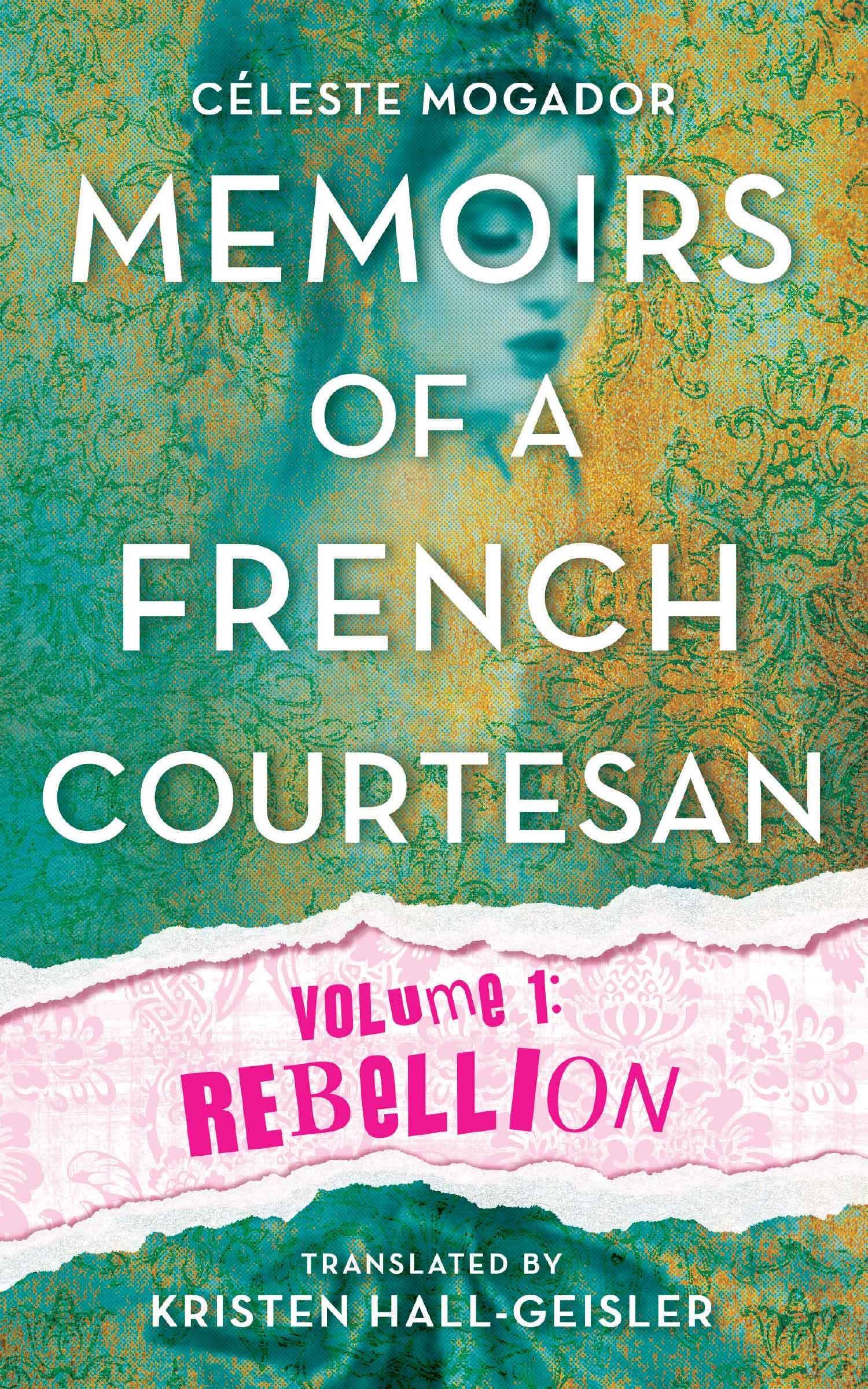
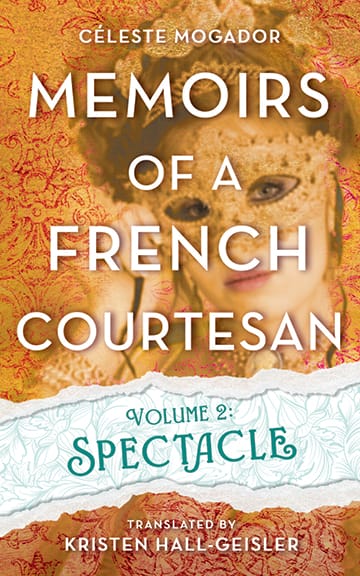
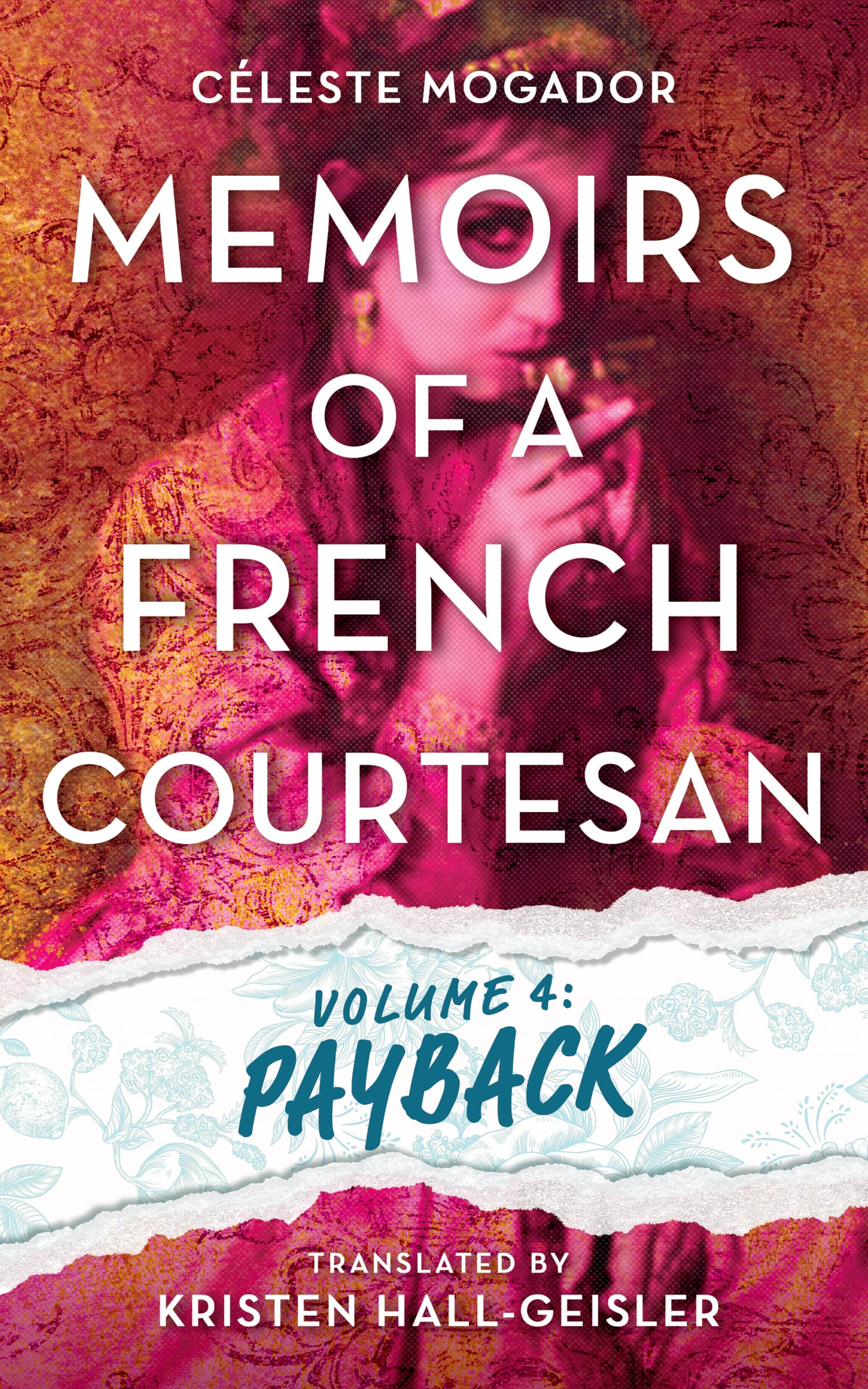
KHG’s latest translations, Memoirs of a French Courtesan Volume 1: Rebellion, Volume 2: Spectacle, and Volume 3: Luck, are available now. Volume 4: Payback will be published January 27, 2026.